How do I save a chat conversation?
Written By Jack
Last updated 6 months ago
Venice uses your browser for local storage. If you delete your cache, you will delete your Venice history.
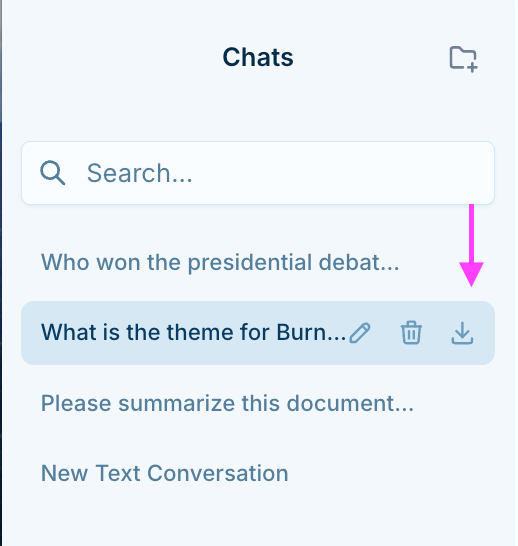
Chat history is stored locally in your browser and Venice keeps no copy of this history. However, from within the chat conversation history (the drawer on the left of the screen) you can export a conversation and download it onto your device, or copy and paste your conversations onto another program to save them outside of the Venice interface.
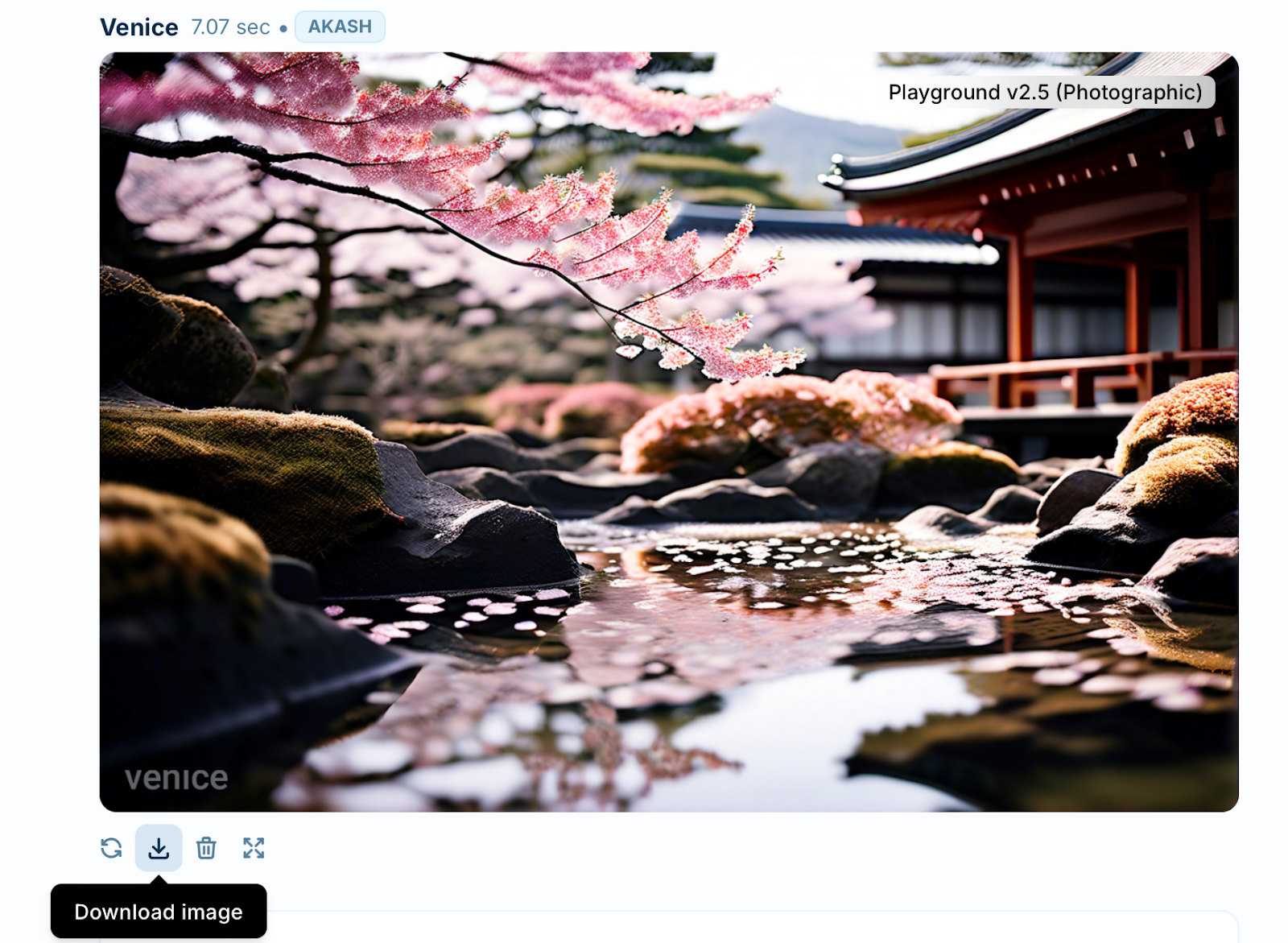
You are also able to download the images that you create.