How do I enable Voice Mode?
Written By Jack
Last updated 6 months ago
To enable Voice Mode, follow these steps:
Click the settings button (≡) in the prompt bar while you have a text model selected.
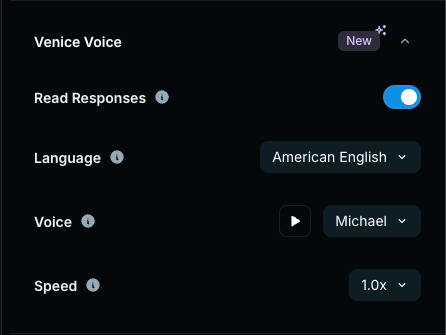
Scroll to Venice Voice and turn on "Read Responses."
You can also select the language, voice, and speed from this menu.
*Voice Mode is currently only available for Pro users