Color levels settings for images
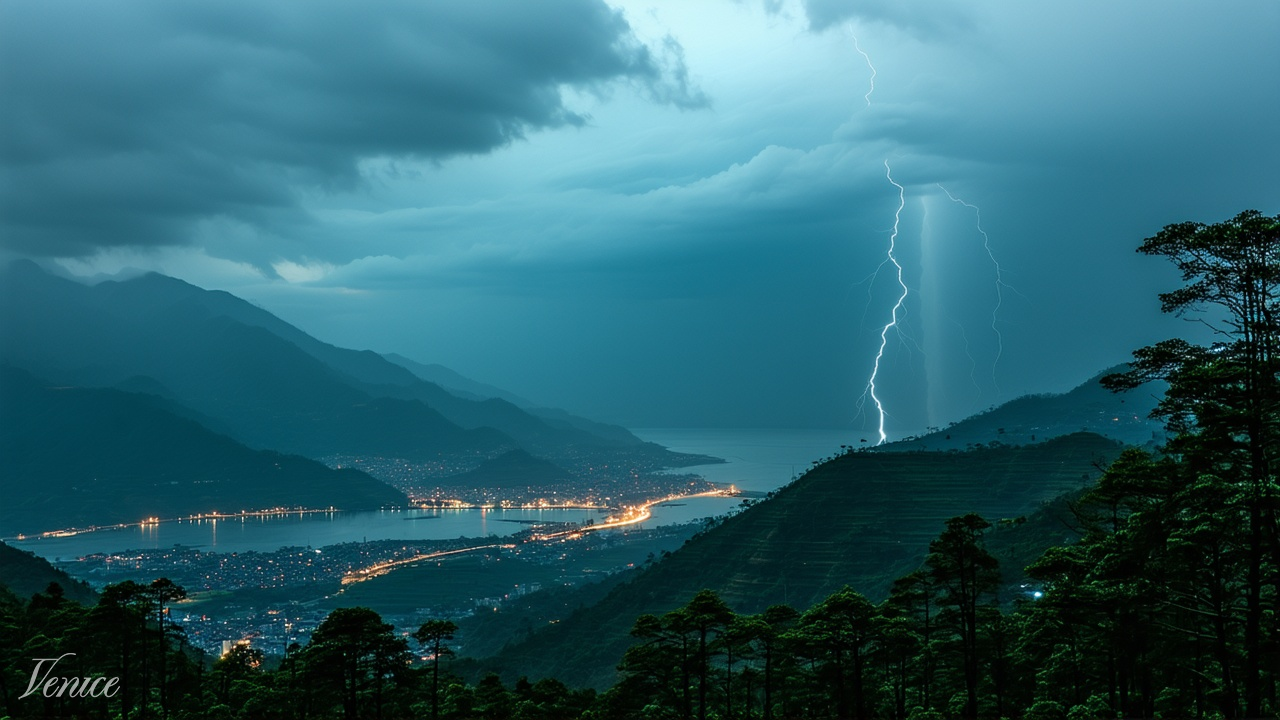
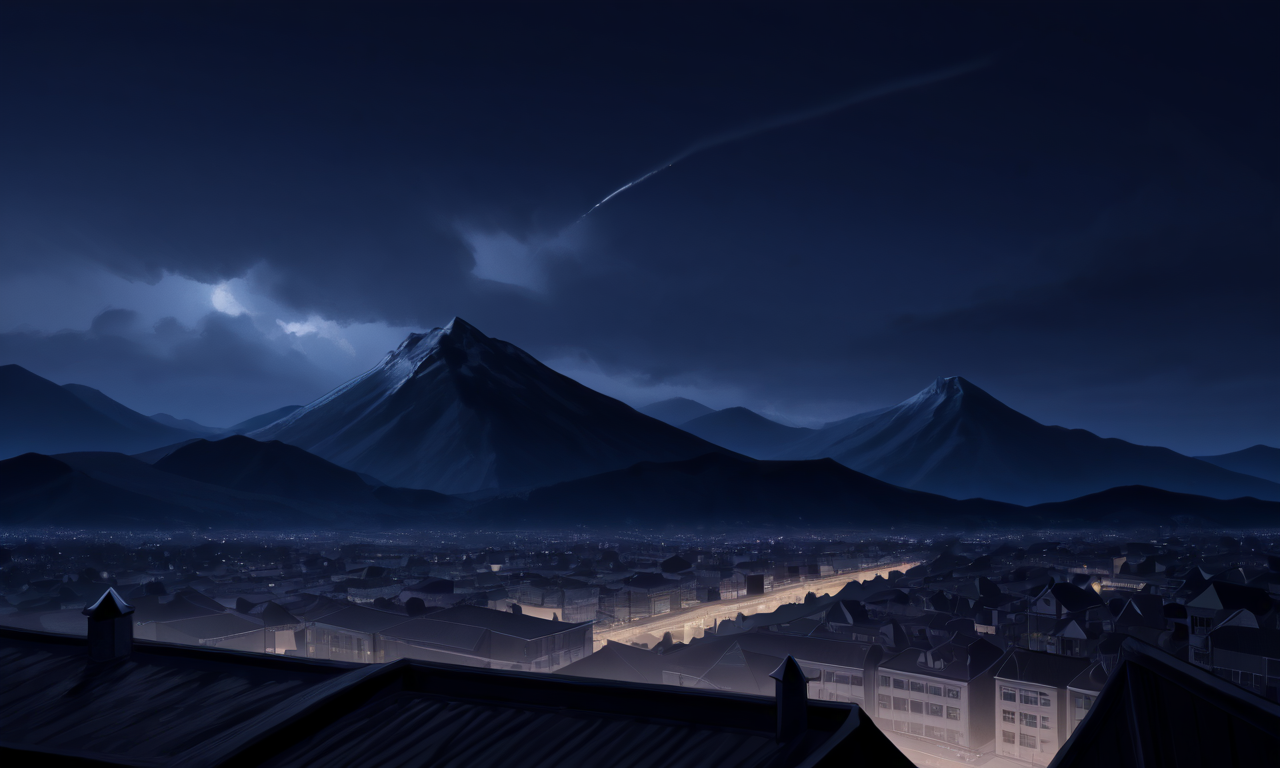
Most image generation models generate dark images that are still too bright. Color correction settings, even if just brightness would improve or salvage many generated images.
“view from mountain looking down at valley as it rains heavily at a small city, night, pitch black, dark, windy, narrow aperture,“
(SD 3.5)
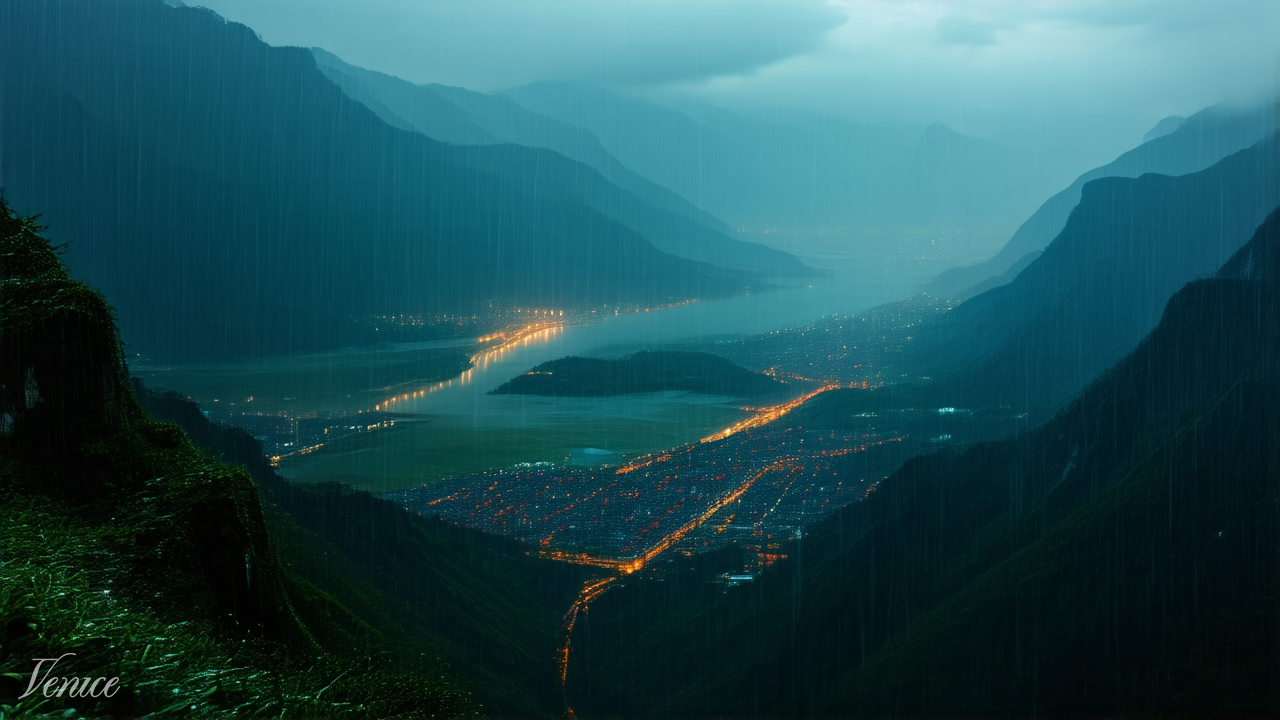
and Rev 2)
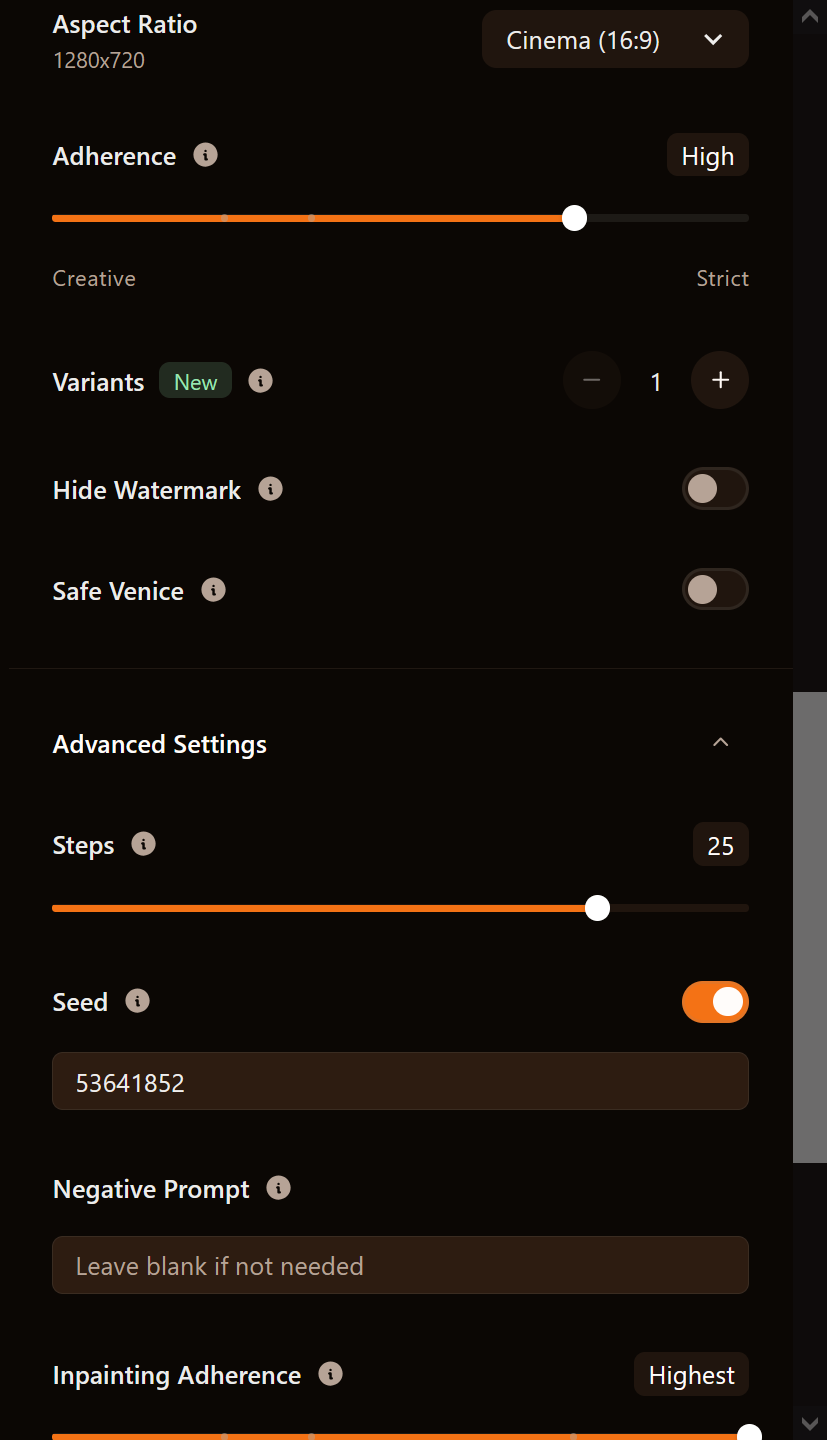
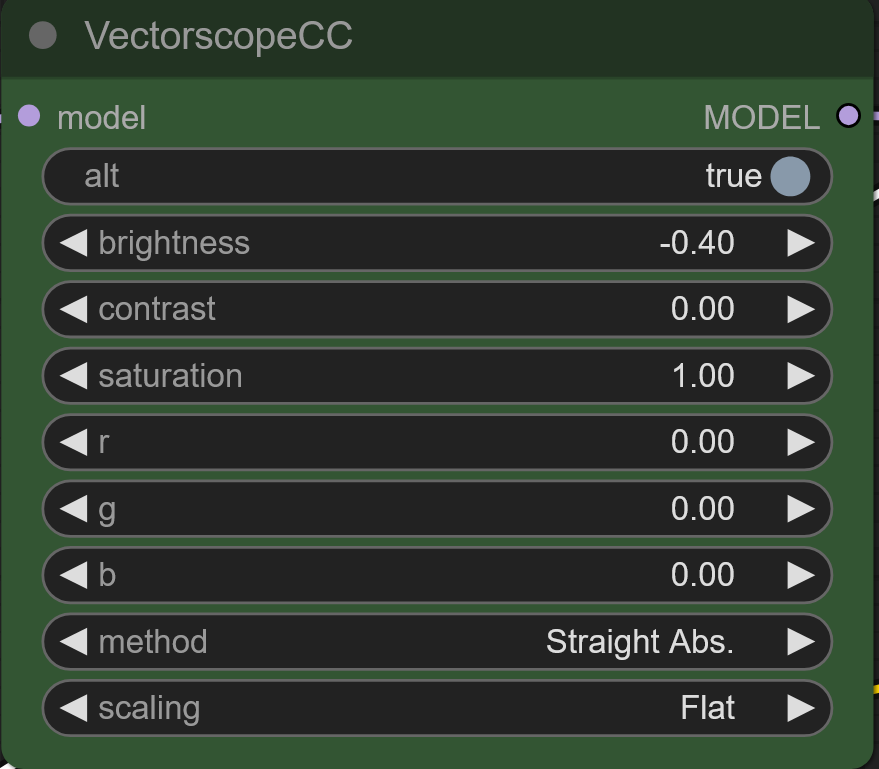
Settings
Even in anime models (Prefect Pony XL)
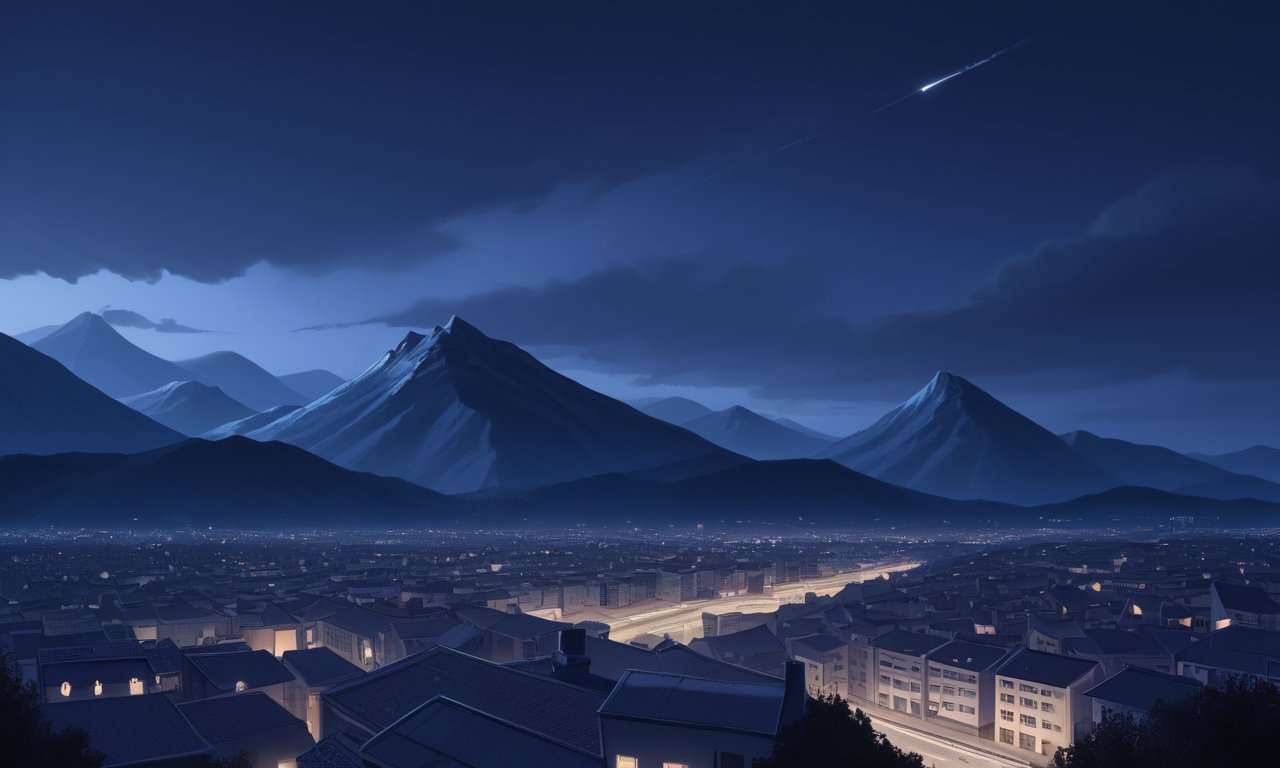
Using a node in comfyUI that applies chosen color levels to models, in this case a reduction to the brightness
Just having settings that can let you adjust colors and levels during or after generation would really help with creating the images you were looking for.
I’m using this in comfyui, not sure what’s being used on Venice’s side but this is a simple node pack with 3 nodes you can get from the comfyui manager

Status: Backlog
Log in to comment and vote
No comments yet
Be the first to share your thoughts.