My Characters' Public Characters: "Sync Characters" should always overwrite the local ones
Overview
Let’s say I have Character Aaron that is a public character I created on my laptop, my desktop, and my mobile device.
I go on my desktop, change Aaron’s model from GLM to DeepSeek, then save it. It becomes pending. ✅
Let’s say we have the best case scenario and it gets into Public status right away. I see it is Public. ✅
I then go to my laptop. I see my Aaron is Public, but none of the changes I made are there. 🤔
It’s fine, although I would like to have been advised that my character isn’t on it’s latest version (the delta with the server is different).I click on sync characters, hoping my public character is updated to it’s latest version, but my character stays on the version that is locally available.
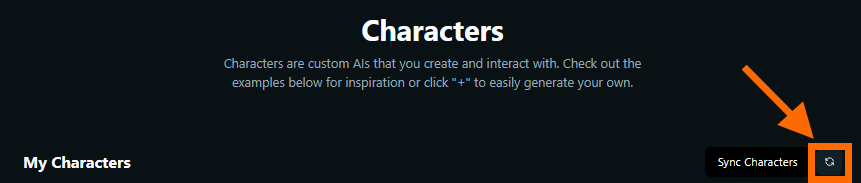
Expected: My public character would be overwritten locally with the updated information.
Reality: My character won’t change because Venice probably detects it as already there, so it does not sync those changes (like it would with any other public character that is not owned and downloaded).
Why is this problematic ?
I know Venice is local and does not want to overwrite the user’s characters to not irritate the user with overwritten information.
However, with owned public characters, this is irrelevant as you cannot save any changes on that character without publishing it at the same time. Furthermore, it only makes sense that clicking “Sync Characters” bring the latest version of your owned character.
Otherwise, I cannot have access to the latest version of my public character easily, which as an inexperienced user, I would just edit it on my laptop and save again, which would put it back to Pending, but that wasn’t necessary because the change was already posted.
The request
“Sync Characters”, which sync owned public characters, should overwrite the local one with the public one if the public one is more recent.
Current workaround (non-sustainable for user experience, but still works): The private browser backup method.
Open browser in private tab
Log in to Venice.
Go to Characters section
“Sync characters” : Only the public characters will be there.
Click on the three dots at the lower-right portion of my interface → Backup & Restore Chat History.
Create a backup & password.
Close the private window once it’s down.
Open the browser I usually use for Venice.
Step 5.
Restore the backup created in 6. with “Merge with Existing Data”, correctly entering password, then click on “Merge”.
Result: Only my public characters have been updated, and they have been updated to the latest version.
Log in to comment and vote
No comments yet
Be the first to share your thoughts.